#ad: Sponsored by Higgsfield.
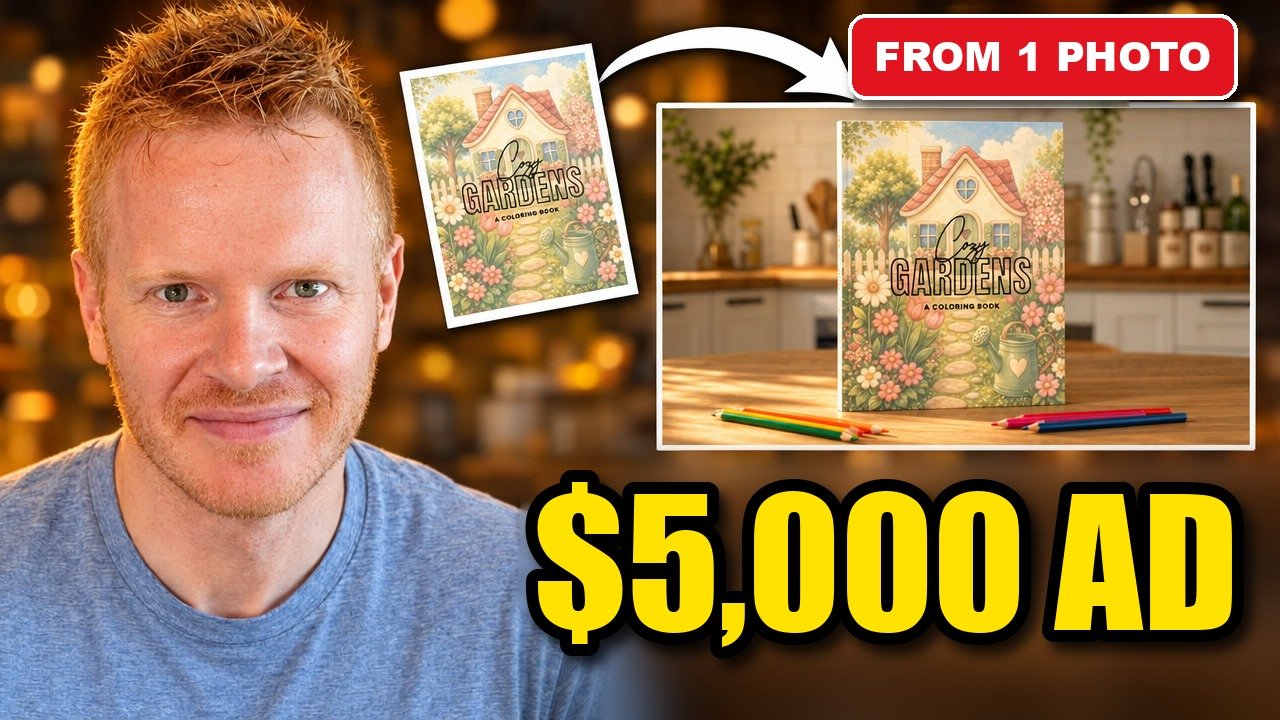
I sell a coloring book on Amazon called Cozy Gardens. Like anything you sell on the side, it needs a video to sell it. And a video usually means a product shoot: a camera, lights, a table that doesn't look like your kitchen, or paying somebody to do all of that.
So I tried something different. I took one picture of the cover, the same kind of image you'd put on a product listing, and turned it into a 30-second ad with three shots. I didn't film any of it.
The setup
I used Seedance 2.5, a video model on Higgsfield AI. Higgsfield works best on a desktop computer, so if you want to follow along, use your computer rather than your phone.
Before I made anything, I wrote down my credits so I'd know exactly what it cost. I started with 1,975.
In Create Video, I picked Seedance 2.5, set the length to 30 seconds and kept the aspect ratio at 16:9, a horizontal video like a normal YouTube video. Seedance 2.5 can go up to 30 seconds, twice as long as the model before it.
The part that matters most: it doesn't have to be one long shot. You can put several shots inside those 30 seconds in a single generation, which saves a lot of time compared with making six five-second clips and stitching them together.
You can start from text, an image or your own footage. I started from the image, because I needed the book to look like my book.
Writing the prompt by the second
I didn't write the prompt alone. I told Claude what I had in my head and let it turn that into a prompt for Higgsfield. The trick is giving each stretch of time its own job. This is called timestamp control.
Here's the prompt I used:
A 30 second product ad for a printed coloring book, three shots. Use the uploaded image as the book's front cover.
0-5s: Close-up of colored pencils rolling slowly across a wooden kitchen table in soft morning light. Slow push in. No people yet.
6-12s: An adult in a sweater sits down at the table after a long day, sets down a mug, and lets out a breath. Warm, quiet, natural light.
13-20s: Their hand slides the coloring book into the middle of the table. The front cover is clearly visible for the first time. Medium shot.
21-30s: Hero close-up of the front cover, sharp and centered, colored pencils beside it. The camera moves slowly around the book. Hold completely still for the last three seconds.
Keep the cover art and title exactly the same as the uploaded image in every shot. No words, captions or logos on screen. Room sound only, no music, no voices.
Instead of writing one paragraph and hoping the model gets what you meant, you tell it what each second should show. Feel free to use it for your own product.
What came back
The generation cost 480 credits, exactly what it said it would.
The first thing I checked was the cover, and it kept the same cover I uploaded. That was the part I cared about most, because an ad for a book that doesn't look like your book is useless.
The mistake that cost me 599 credits
Next I wanted to test something. I kept everything the same (the person, the table, the book) and asked Higgsfield's Edit Video to change only the camera for seconds 13 to 20, shooting it from directly overhead so the book slides into the center of the frame.
On a real shoot, if you didn't have a second camera rolling, you'd have to redo the whole thing, and it might not come out the same.
Here's the funny part. When I watched the new version, I realized the first one had already shot the reveal from straight above. The timestamp prompt got it right the first time, so the edit didn't need to change anything. It still took 599 credits.
The lesson: make sure a change actually needs to be made before you spend the credits on it.
Time and what I'd do with it
Each generation took about three minutes. Start to finish, the whole ad took me maybe ten minutes.
I've made videos like this for past businesses the old way, with a camera, lights and a whole day at least. Now I have a working ad from one photo.
Here's what I'd actually do with it for my KDP coloring book:
- Put it on the product page.
- Cut the opening into a Short.
- Generate a similar version at 9:16 for YouTube Shorts and Instagram Reels.
If you sell a book, a template or a candle on the side, this is a way to get a real ad without a product shoot. The full walkthrough is in the video above, and the prompt is in the video description.